Starting with a rectangle and a rough idea
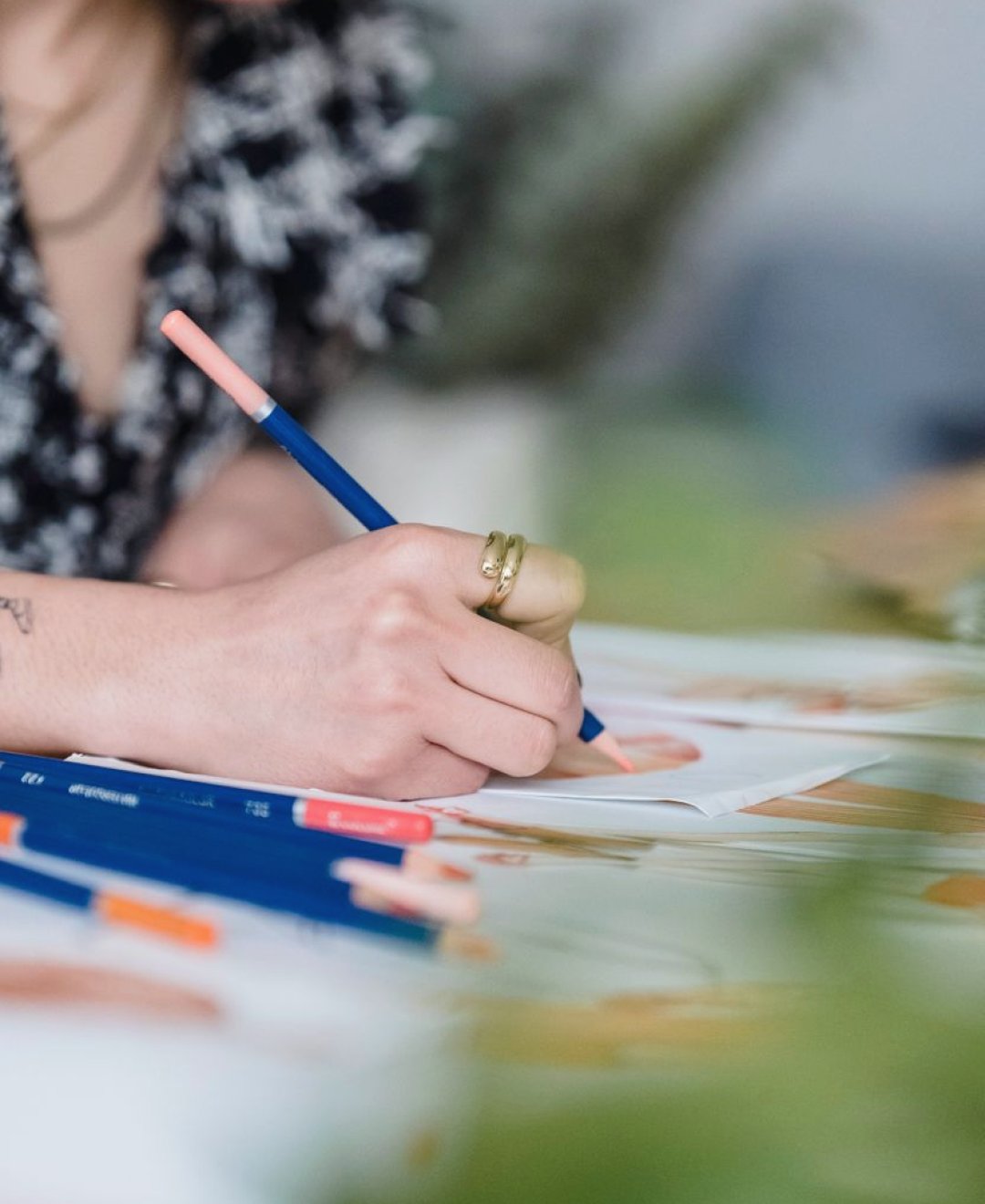
Every storyboard we teach begins in the same unglamorous way: a page of empty rectangles in the proportions of the screen. I run the early sessions on locations and permissions, but I sit in on the storyboard workshops often enough to know how the work really goes, and the first rule is that nobody draws well at this stage. Students are asked to fill a whole sheet of small frames in ten minutes, using stick figures, boxes for furniture and an arrow for any movement.
The point is speed. A thumbnail that takes thirty seconds can be thrown away without regret, whereas a careful drawing becomes something you defend even when it does not work. Most people discover on the first sheet that their opening idea needs three frames, not one, and that the second frame they imagined is better than the first.
We keep the pencils soft and the paper cheap on purpose, because the aim is to think on the page rather than to produce something polished.
- Draw the frame border first, always in the screen proportion
- Allow ten minutes for a full sheet of thumbnails
- Use stick figures and boxes; detail comes later
Choosing the frame that carries the information
Once the sheet is full, the group looks at it together and picks the frames that actually do a job. A wide shot that shows where we are, a closer one that shows who matters, a detail that explains what is happening. If two frames say the same thing, one goes. This selection step is where most of the teaching happens, because it forces a plain question: what must the viewer see here?
For a short factual report, the answer is often modest. A person speaking, the place they work, the object they mention. We ask students to write that single purpose under each chosen frame in a few words before moving on. It sounds tedious, yet it prevents the common habit of drawing a pleasing picture that has no reason to exist in the finished video.
Students are often surprised how many of their favourite frames fall away at this point, and how much clearer the remaining ones become.
Annotating so someone else can read it
A storyboard is only useful if a person who was not in the room can understand it. So the next stage is annotation, and we are strict about it. Each panel gets a short label beside it: shot size, camera position in plain words, any movement, and a note on sound or speech if it matters. Arrows show the direction a person walks or a camera pans, kept to one colour so they do not get confused with the drawing itself.
I often tell students to hand their board to a neighbour and watch without speaking. If the neighbour asks a question, the board has a gap, and the gap gets fixed. A camera operator on a busy morning will not have time to ask you what you meant, so the page has to answer for you.
This habit of testing the board on a stranger saves more confusion on location than any amount of explaining afterwards.
- Label shot size and camera position beside each panel
- Use one arrow colour for movement
- Hand the board to a neighbour and note every question they ask
Numbering, order and the sequence on the wall
When the panels are annotated, we cut them apart or copy them onto index cards and pin them in order. Seeing the sequence on a wall changes how you judge it. Gaps in continuity show up quickly: a person who is indoors in one frame and outdoors in the next with no way of getting there, or three close shots in a row that leave the viewer with no sense of place.
Students number each card and then try moving them around. Sometimes a different order tells the story more plainly, and because the cards are loose there is no cost to trying. We also leave a few spaces for cutaways, the shots of hands, signs or surroundings that give an editor somewhere to go.
Only when the order feels settled do we copy the final set onto clean sheets, keeping the numbering consistent with the shot list so the two documents always match.
Checking the board against the place itself
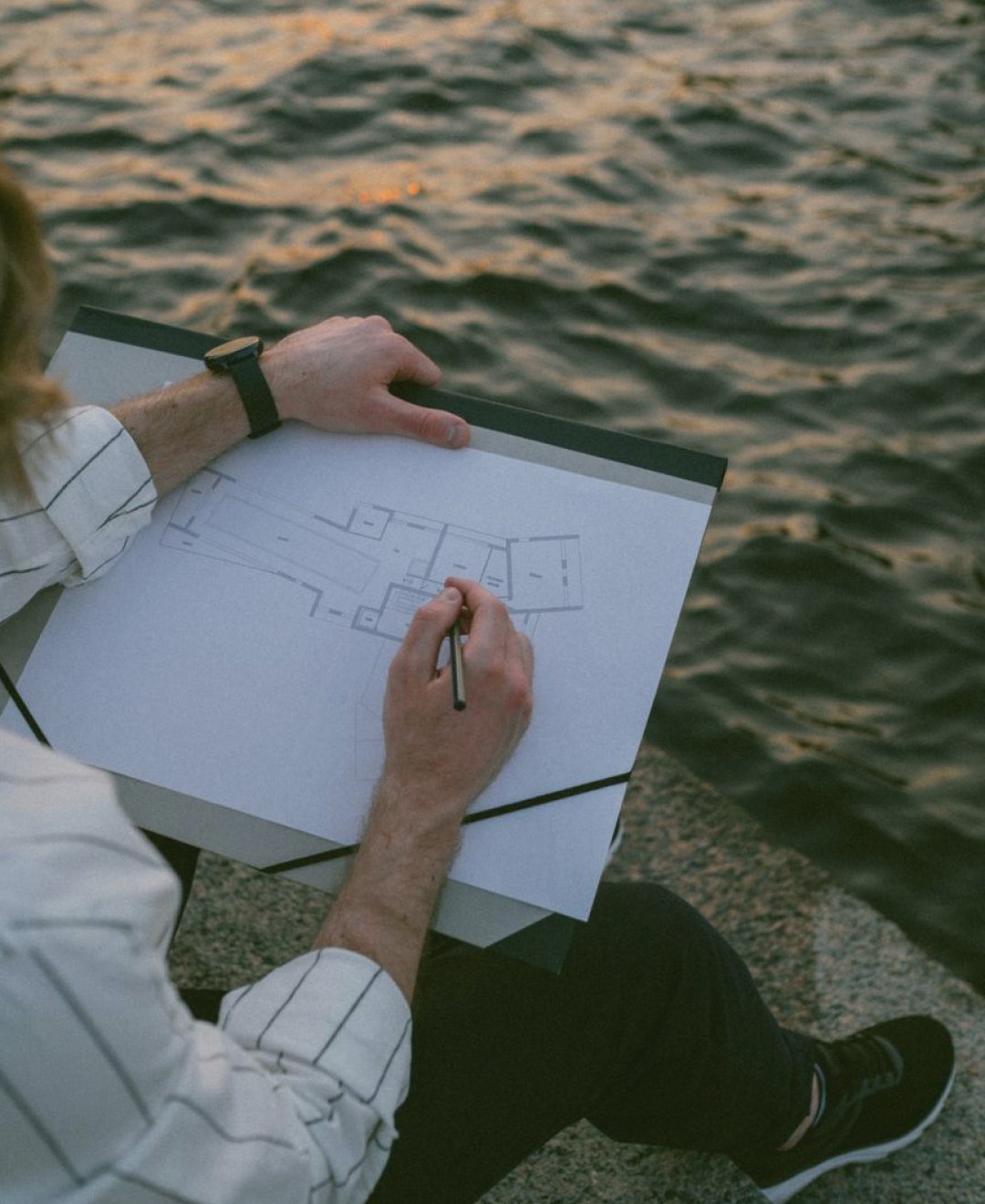
This is where my own subject meets the drawing. A storyboard drawn at a desk assumes a room that may not exist. If a panel shows a wide view across a courtyard, someone has to confirm that the courtyard is reachable, that the light falls as imagined and that you are allowed to set up a tripod there. I ask students to take their boards to a real site, even a nearby one, and walk them frame by frame.
Almost every board changes. A doorway is narrower than drawn, a window throws glare, a corridor is too loud for speech. Marking these discoveries in a second colour on the same sheet keeps the original thinking visible while showing what had to give way.
That mix of intention and correction is a more honest record than a tidy drawing, and it is the version a crew will trust.
- Walk the board on site, frame by frame
- Mark changes in a second colour
- Note access, glare and noise problems beside the panel
What the finished board looks like in practice
By the end of the module, a student's board is rarely beautiful, and that is fine. It is a set of numbered, labelled frames, a handful of corrections from a site visit and a few notes in the margins. It can be photocopied, pinned beside the monitor and read at a glance by a camera operator who has never met the author.
The most common comment we hear from beginners is relief: they had assumed storyboards required drawing skill, and discover they only require decisions. Clear thinking in rough marks beats confident drawing that hides a vague plan.
If you are starting out this autumn, with the light changing earlier each week, a simple board is also a useful way to judge how much daylight a planned shoot really has before you commit to a day.
A storyboard is a working document, not a piece of art. It starts as quick thumbnails, narrows to the frames that matter, gains labels so others can read it and is corrected against the real location. Done this way, it carries your intentions to the crew without you needing to be there to explain them. Start with one sheet of rectangles and see how far ten honest minutes will take you.