Start with paper, not software
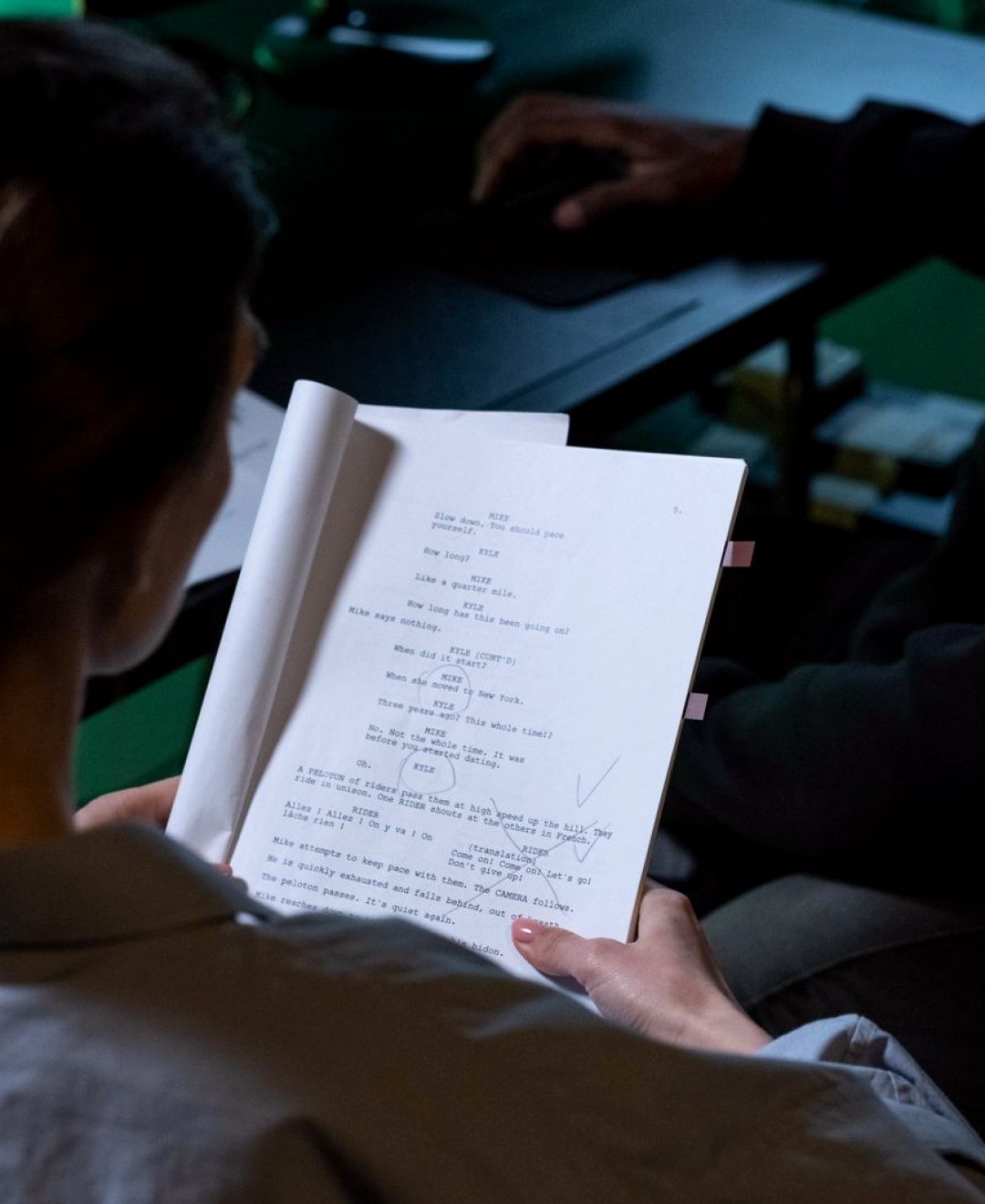
When a student brings me a written idea, the first tool I reach for is a printed copy and a pencil. A screen invites tidy formatting before the thinking is done, whereas paper lets you cross out, circle and write in the margins without anyone watching. On the course we print the script or treatment single-sided, with wide margins and double spacing, so there is room to mark every place where the story changes location, time of day or speaker.
This first pass is slow on purpose. You read the text once for meaning and once for pictures. On the second read, you underline anything that can actually be seen or heard on camera, and you put a small question mark beside anything that cannot. Those question marks are useful, because they show where an idea is still only a thought and needs a visual answer before filming begins.
- Print single-sided with generous margins
- Use one colour for visuals, another for sound
- Mark every change of place, time and speaker
Index cards for breaking a script into scenes
Once the text is marked, we move to index cards. Each card holds one scene: a short title, where it happens, who or what is in it, and a single sentence saying what the viewer should learn. Writing on a small card forces a choice, because there is no space to be vague. If a scene needs two sentences to explain its purpose, it is usually two scenes.
The real advantage appears when you spread the cards across a table or pin them to a board. You can see the whole piece at once, shuffle the order, and spot a scene that repeats information the viewer already has. Students often find that a report they thought needed twelve scenes works better with eight, and that the cards they remove were the ones they liked for the wrong reasons.
- One scene per card, with a one-sentence purpose
- Pin cards in order so the whole piece is visible
- Remove any card that repeats earlier information
A simple shot list template
From the cards we build the shot list itself, using a plain table with only a handful of columns. Ours are shot number, scene, what the viewer sees, how it is framed, and a note on sound. Some people add many more columns, but every extra column is another thing to fill in on a busy day and another thing nobody reads. A template should be quick enough that you actually keep it up to date.
We number shots within each scene, so scene three might hold shots 3a, 3b and 3c. That small habit pays off later, when a schedule or a storyboard needs to point at exactly one shot without confusion. It also makes feedback easier, since an instructor can say that shot 4b feels redundant and everyone knows precisely which frame is meant.
- Five columns are enough for most factual shoots
- Number shots by scene, such as 3a, 3b, 3c
- Keep a sound note beside every visual
Checking each shot against its purpose
A shot list can look complete and still be weak, so we test it. For every line we ask what the shot is for: does it show a place, introduce a person, illustrate something said, or cover a cut? If the answer is none of these, the shot is probably filler and will cost filming time without helping the edit. This question is simple enough to use while standing in a car park on the day.
We also look for coverage. An interview needs more than a face, and a location description needs more than one wide view. Students learn to note at least one alternative for the shots that matter most, such as a closer detail or a different angle, so that a problem with access or weather does not leave a gap in the sequence.
- Ask what each shot shows, introduces or covers
- Add one alternative for the shots that matter most
- Cut anything that only fills time
Keeping the list usable on the day
The best shot list is the one a crew member can read in a few seconds. We teach students to print it on a single sheet where possible, to group shots by location rather than story order, and to leave a clear box to tick when each is done. Filming in story order is rarely practical, so the list has to follow the logistics of where you are, not the order of the finished piece.
We also leave blank space at the bottom of every page. Things change on set: a doorway is locked, light shifts, a speaker offers a better line. A list with room to write lets you adapt without losing the plan, and the annotated copy becomes a useful record when you review what worked.
- Print one clear sheet and group by location
- Add tick boxes for completed shots
- Leave blank space for changes on set
What students take away from the exercises
By the end of the exercises, a student has a marked script, a board of scene cards and a numbered shot list for a short piece of their own choosing. These are practical documents, and they can be handed to a colleague who has never read the original text. That is the real test: whether someone else can film from your plan without phoning you.
We are careful not to promise more than that. Planning does not guarantee a good film, and weather, people and equipment still behave unpredictably. What it does give is a clear starting position, so that decisions on the day are small adjustments rather than guesses made under pressure.
The tools behind a good shot list are modest: paper, pencil, index cards and a plain table. None of them is clever, and that is the point. They slow you down at the right moment, make your choices visible and give your crew something readable. If you can hand your plan to a stranger and they can film from it, the method is doing its job.